Create a new site
Start with a name and a short description of what your site should do.
Create an account first, then start a site from your sites area.
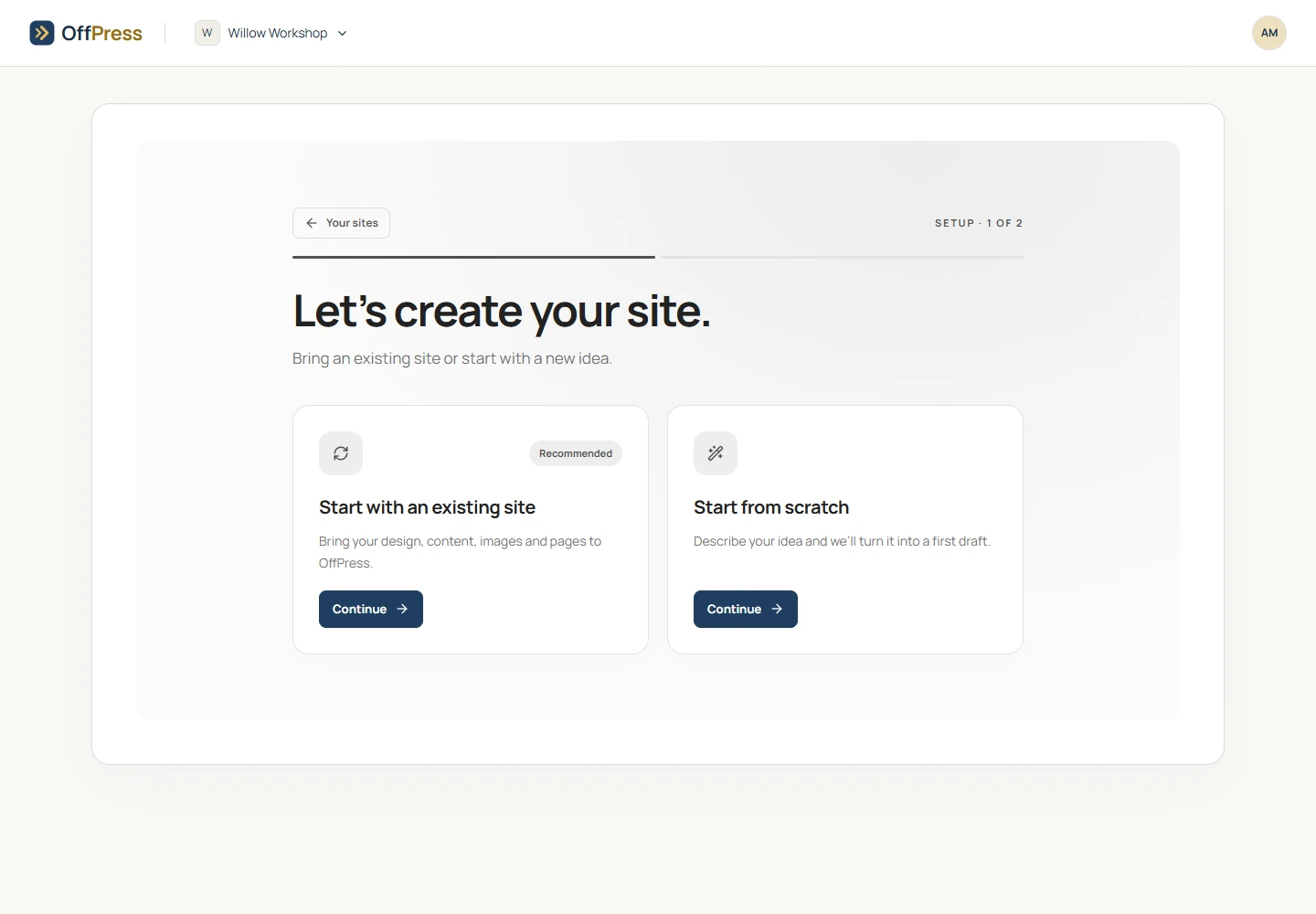
Start from scratch
- Sign in to OffPress.
- Open the new-site screen from your sites area.
- Choose Start from scratch.
- Enter a site name and describe what you need.
- Submit the form and follow the progress on screen.
Write the first request
Include the purpose of the site, the pages you need, and the main action visitors should take. You can add details later.
Create a site for Willow Workshop. We run small woodworking classes. Include Home, Workshops, Our story, and Contact. Use warm colours and large, readable text. The main button should lead to Workshops.
If you need bookings, payments, member accounts, or other features, say so. Ask OffPress to explain any setup those features need before you put them into use.
Review the first version
Open the pages in the preview and check the phone view. Replace example text and images with your own. Make the next request small and specific, such as “Add our Saturday opening hours to Contact.”
See Edit your site for making changes and Publish your site when you are ready to go live.
Still need help? Contact OffPress with your site name and what you were trying to do.